SIM swaps: how to stop your phone number being the weak link
A SIM swap is unusual among attacks in that nothing happens on your device. Nobody installs anything, nobody guesses a password. Someone convinces your mobile carrier that they are you, your number moves to a SIM card in their hand, and every text message meant for you starts arriving somewhere else. Because so many accounts still use texted codes as a second factor, that single move can open a bank, an email inbox, or an exchange. The good news is that this is one of the few attacks where a handful of settings genuinely change the outcome.
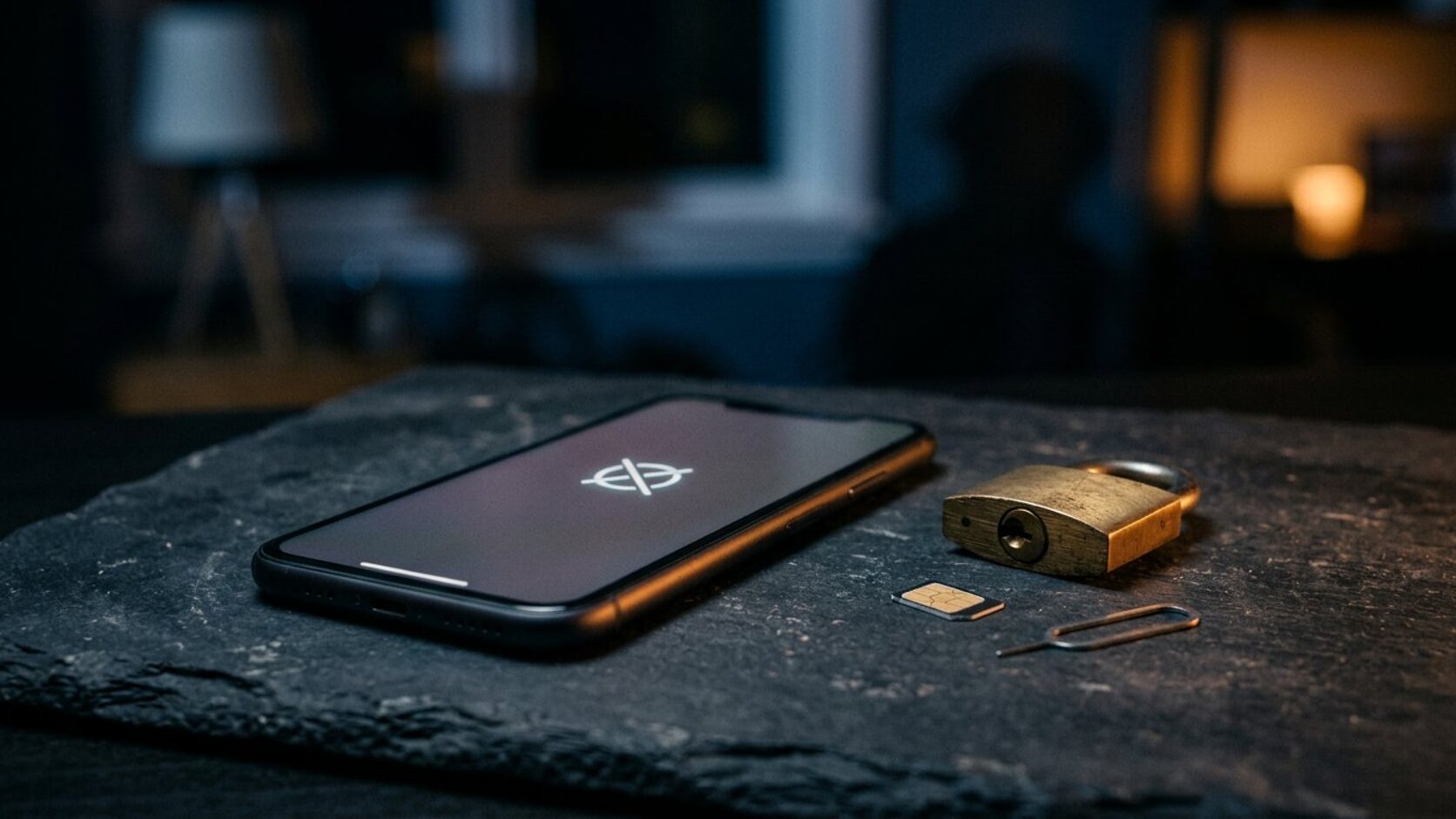
The attack happens at your carrier, not on your phone
That distinction explains everything about the defence. Your device passcode, your fingerprint, and your encrypted storage protect the handset; none of them protect the account behind your number. An attacker only needs enough of your personal details to satisfy a support agent, or a weakness in the carrier’s identity checks, and the number walks away. It does not require your phone to be stolen, and it does not require malware.
Industry fraud data has been pointing the same direction for a while: unauthorised SIM swaps keep growing at double-digit rates year on year, driven by how much of our account recovery still runs through texted one-time codes. The attack follows the value, and the value is the second factor.
The warning sign most people miss
If your phone suddenly loses service — no signal, no calls, texts failing — and you are somewhere you normally have coverage, do not assume a network outage. A completed SIM swap looks exactly like that from your side, because your line has been moved elsewhere. The other signal is quieter: a carrier message or email about a SIM change or a number transfer request you did not make.
Both are worth acting on immediately. The first minutes matter more than the following days, because the attacker is usually working through password resets while your line is dark.
What the rules now require of carriers
Regulators have moved, which makes the conversation with your provider easier than it used to be. In the United States, the Federal Communications Commission adopted rules requiring wireless carriers to verify identity through a secure method before processing a SIM change or a port-out, to offer customers a way to lock the account against unauthorised changes, and to notify customers when a SIM change or port request happens. Those obligations phased in for the major carriers through 2024 and remain in force.
In Australia, the communications regulator has run a sustained enforcement campaign against mobile number fraud, requiring multi-factor identity checks for high-risk interactions such as SIM swaps and account changes, and issuing penalties that now run into the millions of dollars across the industry. In the United Kingdom, Ofcom has pressed networks to consider where a customer actually is before allowing a SIM swap requested by email, though consumer organisations continue to argue that checks are uneven and that recovering a hijacked number can take far too long.
Rules raise the floor. They do not remove the need for you to switch on the protections your carrier offers, because regulators mandate the option, not its use.
The carrier settings to change this week
Everything in this section is free, takes one call or one app session, and is the highest-value security work most people can do in twenty minutes.
- Set a separate account PIN or passcode with your carrier, required for any account change, SIM change, or port request. Do not use your date of birth, your postcode, or the last four digits of anything. Use a random six- to eight-digit number and store it in your password manager.
- Turn on the SIM or number lock. Every major US carrier now offers something in this family — a number lock to block unauthorised port-outs, a SIM protection feature to block new SIM activations, or an account takeover protection setting. Ask for exactly what your provider calls it and enable it.
- Ask about a port freeze. Some carriers can require in-person verification with photo identification before your number moves at all. If that option exists, it is the strongest setting on the list, with the obvious trade-off that you must visit a store to legitimately change carriers.
- Turn on notifications. Request alerts for any SIM change, number transfer, or account modification. A message you did not expect is the earliest warning you will get.
- Do the same for every line on your account — a family plan is only as strong as its least protected number, and the account holder’s PIN often unlocks the rest.
Get text messages out of your recovery loop
The carrier lock makes the attack harder. Removing SMS from your security model makes it largely pointless. Work through your important accounts and replace texted codes wherever a better option exists: an authenticator app now, a passkey or hardware security key where the service supports one.
Priority order matters. Start with the email account that can reset everything else, then banking and payments, then any crypto exchange, then your cloud storage and password manager. Then go back and check the recovery settings on those accounts, because an excellent second factor is worthless if “forgot password” quietly falls back to a text message. Remove your phone number from recovery where you can, and make sure the recovery email address is itself protected by a hardware key or an authenticator app.
Two smaller habits are worth adopting while you are in there: check for active sessions on your email and financial accounts and sign out anything unfamiliar, and set a voicemail PIN rather than leaving voicemail open, since a hijacked number can also expose messages people leave for you.
If it happens: the first hour
Call your carrier from a different phone or line and tell them you are the victim of a SIM swap. Ask them to lock the account immediately and reverse the port. While you are on hold, start changing passwords from a trusted device, beginning with email. Revoke active sessions so the attacker is logged out everywhere. Then check your bank, card, and exchange accounts for transactions you did not authorise, and report what you find.
After the urgent work, widen it: place a fraud alert or credit freeze if your identity details were exposed, file a report with the relevant national body — the FCC and FTC in the United States, Action Fraud in the United Kingdom, Scamwatch and ReportCyber in Australia, the Canadian Anti-Fraud Centre in Canada — and keep a written timeline. Carriers and banks ask for it, and regulators increasingly use it.
Regional notes for the US, Canada, UK, and Australia
In the United States, the FCC rules give you a clear set of expectations to cite when you call: secure identity verification, an account lock option, and prompt notification of SIM or port changes. Verizon, AT&T, and T-Mobile all offer number-lock and account-PIN features under different names.
In Canada, porting and number transfers fall under the regulator’s consumer framework, and carriers generally offer account passcodes and transfer PINs. Ask specifically for a port-out PIN and for any setting that blocks SIM changes.
In the United Kingdom, Ofcom has required networks to strengthen SIM-swap protections, and complaints about slow recovery are common enough that the practical advice is to ask your provider in advance what their process is — and to insist on in-person verification if it is available.
In Australia, the regulator’s enforcement campaign has made multi-factor identity checks compulsory for high-risk transactions, and breaches have been expensive for carriers. That is useful leverage if a support agent is reluctant to add protections to your account.
The bottom line
A SIM swap is a social engineering attack against a call centre, and the defence is configuration, not vigilance. Lock the carrier account, add a PIN that is not guessable from your public life, move your second factor off text messages, and fix the recovery path behind it. Anyone who completes that list has made your number considerably less interesting to attack — and that is the goal. Boring is fine.
Questions readers ask
Does a screen lock or a passcode on my phone stop a SIM swap?
No. The swap happens in your carrier’s systems, not on the handset, so your device passcode is irrelevant to it. The control that matters is an account PIN or lock set directly with your mobile provider.
Does an eSIM prevent a SIM swap?
No, though it removes the physical card from the equation. The attack works by moving your number at the carrier level, which applies to eSIM and physical SIM alike. The protections are the same: an account PIN, a lock or port freeze, and strong identity verification.
How quickly must I act if I think I have been swapped?
Immediately. Call your carrier from another line and ask them to lock the account, then change your email password and revoke active sessions from a trusted device before working through financial accounts. The attacker is typically resetting passwords during the first minutes after your line goes dark.
This article provides general information, not legal, financial, security, or professional advice. Product terms, availability, privacy practices, and local requirements can change. Check the current information from the relevant provider and seek qualified local advice for high-impact decisions. IntelGuard may earn a commission from future affiliate links, at no additional cost to readers. Read our affiliate disclosure.