Home Internet That Stays Up: A Practical Redundancy Plan
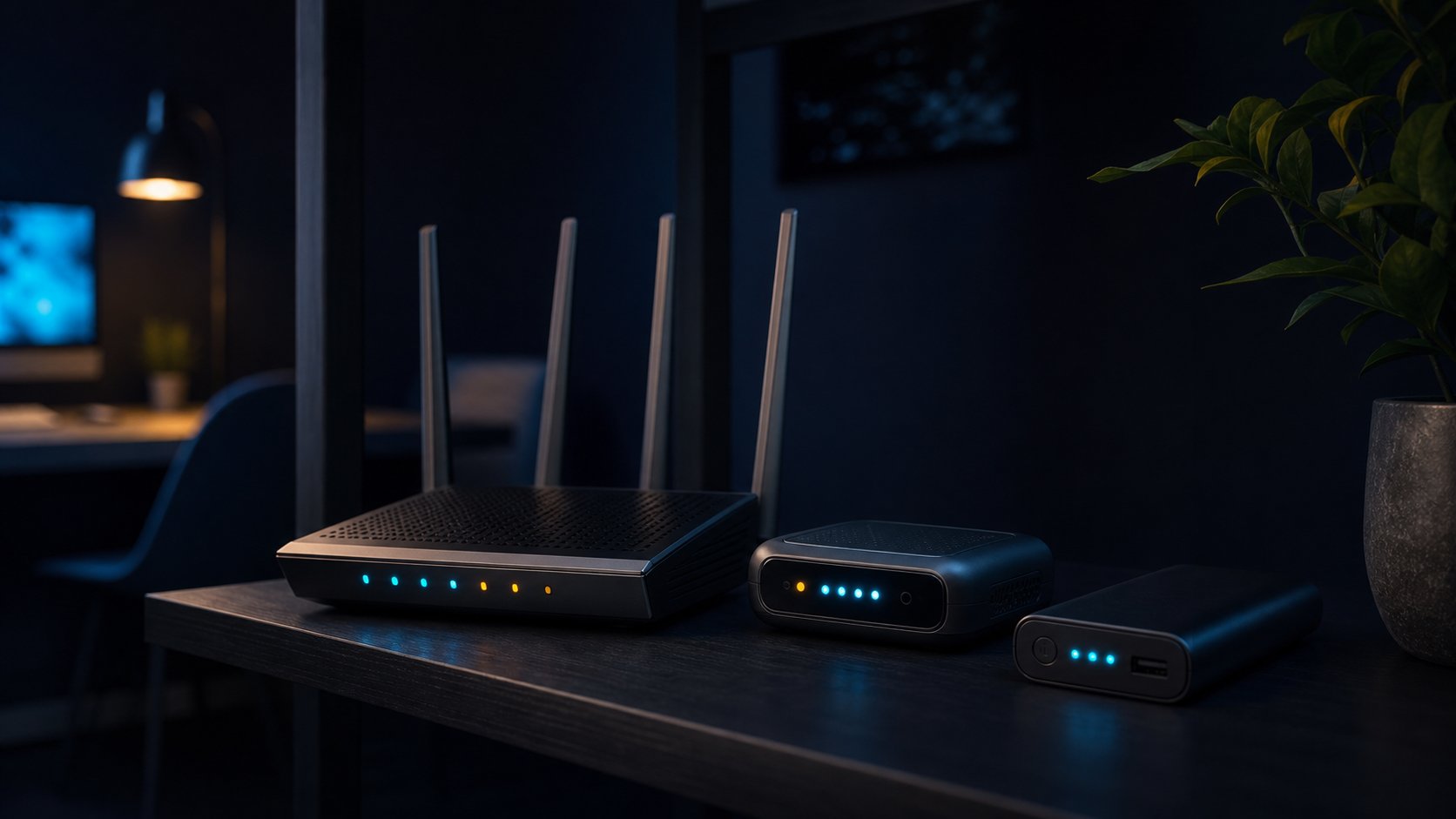
Home broadband is reliable enough that most people never plan for it failing, which is exactly why a four-hour outage on a workday feels like a crisis. Redundancy at home does not require a rack or a second provider contract you will resent paying for. It requires knowing which failure you are protecting against, buying the smallest thing that covers it, and testing the switchover before you need it at nine in the morning.
Work out what actually fails
Home connections fail in four distinct ways, and they call for different responses. The line itself can go down — a cut cable, a street cabinet fault, or maintenance. The provider's network can break while your line is fine. Your own equipment can fail: a router, a power supply, or an overheating box in a warm cupboard. And the power can go out, which takes everything with it regardless of how good the connection is.
Before spending anything, check your own history. Most routers log uptime and disconnections, and providers publish outage histories for your area. If your real pattern is three short drops a month caused by the router rebooting itself, a second internet contract is the wrong purchase; a better router is the right one. Buying redundancy against the wrong failure is the most common mistake in this whole area.
Tier one: fix the boring things first
- Replace an ageing router. Consumer hardware degrades; five years is a reasonable replacement horizon for a unit that runs continuously.
- Give it air. Heat causes a surprising share of intermittent faults. Move it out of the cupboard and off the radiator.
- Use wired connections for the machine that matters. One Ethernet cable removes an entire category of flaky-Wi-Fi diagnosis.
- Know where the master socket and filters are, and keep a spare cable and power supply in a labelled bag.
- Record your account number and support line somewhere reachable from a phone with no home internet.
This tier costs very little and resolves the majority of household outages. It is also a precondition for everything that follows: adding failover to an unstable local setup just gives you two ways to be offline.
Tier two: a mobile backup
For most households and hybrid workers, the right second connection is cellular. The simplest version is your phone's hotspot, which costs nothing extra and works for calls, email, and documents. Check your plan's hotspot allowance and whether speeds are throttled after a threshold — a surprising number of plans allow unlimited phone data but cap tethering hard.
The next step up is a dedicated 4G or 5G modem with its own data-only SIM, ideally on a different network than your phone. Keep it powered and connected so it does not need a cold start during an emergency, and top up or maintain a low-cost plan so it stays active. Pick the carrier by measured signal at the spot where the modem will live, not by advertised coverage maps: one bar in a back room is not a backup plan.
A backup you have never used is a theory. Once a quarter, unplug the main connection for fifteen minutes during working hours and run a real video call over the backup. You will find the problem — a throttled hotspot, a blocked VPN, a dead SIM — at a time of your choosing.
Tier three: automatic failover
If being offline for five minutes is genuinely expensive, use a router that supports two WAN sources and switches automatically. Small business routers with a USB or Ethernet WAN2 port do this for a modest price, and the better ones let you set rules: fail over after a set number of failed pings, prefer the primary when it returns, and keep an eye on backup data usage so a stuck failover does not produce an unpleasant bill.
Be realistic about what failover preserves. Sessions usually drop; video calls reconnect after a few seconds; VPN tunnels may need to re-establish, and some corporate systems will ask you to sign in again. The goal is a short, recoverable interruption rather than a seamless one. Set expectations with colleagues in advance and the interruption becomes a shrug rather than an incident.
Power, the failure everyone forgets
A small uninterruptible power supply running the router, the modem, and — if relevant — the fibre terminal will carry a typical setup through short cuts and brownouts. Size it for the real draw, which for networking gear is usually modest, and remember that laptops have their own batteries while desktops and monitors do not. Test the battery annually; UPS batteries die quietly and most people discover it during the outage.
For longer cuts, a decent power bank with a DC or USB-C output can keep a router alive for hours. This is also the moment to note that many modern cordless phones, door entry systems, and alarm panels depend on both power and internet, so a short cut can lock you out of more than email.
Regional notes
United States
Cable, fibre, and fixed wireless availability vary street by street, and a second wired provider is often simply unavailable. Cellular backup is usually the practical answer; check which carrier performs best at your address rather than nationally, and watch for hotspot caps on otherwise unlimited plans.
Canada
Outside dense urban areas, choice is limited and distances make repair times longer. Cold weather affects battery performance, so keep a UPS indoors and consider a slightly larger capacity than the calculation suggests. Confirm whether your backup carrier roams onto another network when its own is congested.
United Kingdom
The copper switch-off has moved landline voice onto broadband, which means a power cut can also take out phone service. If anyone in the household relies on a telecare alarm or a landline for emergencies, arrange a battery backup unit with the provider and confirm how long it lasts.
Australia
NBN technology type determines both typical speed and failure mode, and repair windows can be long in regional areas. Mobile backup coverage varies sharply outside cities, and satellite services are a reasonable fallback where cellular is weak. Storm season is a fair reason to size power backup generously.
Questions readers ask
Do I need a second broadband contract at home?
Rarely. For most households a mobile hotspot or a cheap data-only 5G modem on a different network covers the realistic failure modes at a fraction of the cost. A second fixed line is only worth it if extended outages carry a direct financial cost.
Will failover keep my video call running?
Not seamlessly. Expect a short drop while the router switches and sessions re-establish. Well-configured failover turns a multi-hour outage into a interruption of seconds to a minute, which is usually the realistic goal.
What size UPS do I need for a router?
Networking equipment typically draws modest power, so a small consumer UPS often provides an hour or more for a router, modem, and fibre terminal. Measure the combined draw, add headroom, and test the battery once a year because they fail silently.
How often should I test the backup connection?
Quarterly, during working hours, for at least fifteen minutes. Run a real video call and open the systems you actually depend on, including any VPN. A backup that has never carried live traffic has not been tested.
The bottom line
Home internet redundancy is a sequence, not a purchase: fix the local hardware, add a cellular backup on a different network, automate the switch only if minutes matter, and put the router on battery power. Test the whole chain quarterly. Done in that order, staying online through an outage costs less than most people expect and removes one of the few genuinely disruptive failures of working from home.
This article provides general information, not legal, financial, security, or professional advice. Product terms, availability, privacy practices, and local requirements can change. Check the current information from the relevant provider and seek qualified local advice for high-impact decisions. IntelGuard may earn a commission from future affiliate links, at no additional cost to readers. Read our affiliate disclosure.