Your next phone may have no SIM tray. What eSIM-only changes
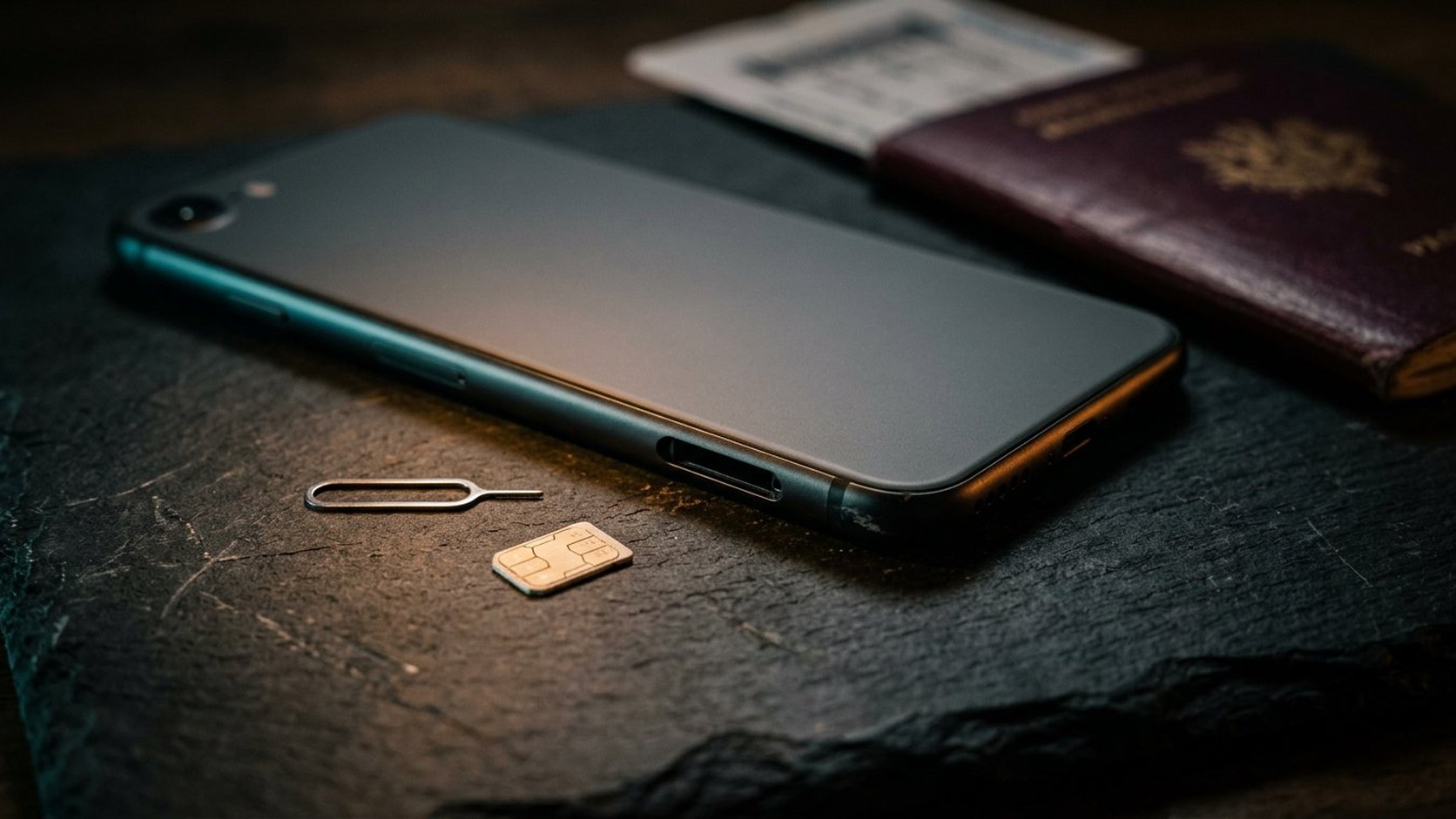
The SIM tray has been quietly disappearing for years, and 2026 is the year more of the world starts to notice. Apple now sells an iPhone with no tray in any market, its mainline models have gone trayless in a growing list of countries, and several US Android flagships followed. Most of the time the change is invisible. Then you land somewhere at midnight, and the shop at the terminal wants to sell you a plastic card that will not fit.
How we got here
The path was gradual and then sudden. Apple added eSIM support in 2018, removed the tray from US iPhones in 2022, and has now shipped a worldwide trayless model and extended trayless versions of its mainline phones to more countries. Google dropped the physical slot from US models in its recent Pixel line, while some Samsung models keep a tray in some regions and not others.
That regional inconsistency is the detail that catches buyers. The same model name can ship with different hardware depending on where it was sold, so the name on the box tells you nothing. The model number on the device, and the region code in it, is what determines whether you have a tray. If you buy used, imported, or from a marketplace seller, check that before you hand over money.
What an eSIM actually is
An eSIM is a small chip soldered to the phone's board that holds carrier profiles instead of a removable card. You add a line by scanning a code or approving a prompt from your carrier, which provisions the profile over the network. Recent phones hold several profiles and run two at once, which is the feature that makes the whole thing worthwhile for travel.
What it is not is a card that travels with you. The profile is bound to that device until the carrier releases it. Every practical difference between eSIM and plastic follows from that one constraint.
What you gain
The everyday case is genuinely better. You can buy a travel data plan before you fly, install it over home Wi-Fi, and land connected. Your home number stays active for the verification texts that banks and airlines still insist on, while a local line carries the data. There is no paperclip, no lost tray, no hunt for a shop that is open. And because the profile cannot be physically pulled out, a phone stolen from a café cannot be opened by moving its SIM to another handset.
Switching carriers is also faster, when the carrier supports it properly: a download replaces a shop visit. That is the best version of eSIM, and it is increasingly common.
What you lose
Start with the obvious one. A cheap plastic SIM bought at the airport is still, in many countries, the least expensive way to get local data. Small regional carriers and some prepaid brands have not implemented eSIM at all, and the ones that have may require a passport and an in-store visit anyway.
Less obvious is the friction of moving your number. With a tray, moving to a spare phone is a thirty-second operation. With an eSIM, it depends entirely on the carrier: an app-based transfer, an online account, or a support call, sometimes with identity checks. And on many carriers the old profile has to be removed before the new one activates, which makes an interrupted transfer genuinely unpleasant.
Finally, plenty of travel data plans are data-only. They have no phone number, so they cannot receive a one-time code. If your bank insists on texting you, a data-only plan plus an SMS-dependent second factor is a bad combination discovered at the worst time.
Before you fly: the checklist
- Confirm the region, not just the model. Check the model number against the country it was built for. A US-spec phone bought overseas may have no tray at all.
- Confirm the phone is unlocked. A carrier lock will refuse the travel profile no matter how many bars you can see.
- Check your home carrier's eSIM and transfer process. Know in advance whether it is app-based, web-based, or a phone call, and whether there is a fee.
- Install the travel plan at home over Wi-Fi, but do not switch it on. Many plans start their validity window when they first attach to a network, so installing is fine and activating early is not.
- Check whether the plan includes a number and SMS, or is data-only. Buy accordingly if you need to receive codes.
- Store the QR code and activation details off the phone. A screenshot in the camera roll of the phone you are activating is not a backup.
- Write down the carrier support number and your account details somewhere you can reach without mobile data.
- Set the travel line as data and leave the home line for calls and texts, then turn off data roaming on the home line so you are not paying for background sync.
- Do the same for any second device. A tablet or watch with its own plan needs its own eSIM, and those are often carrier-specific.
The traps that actually catch people
Deleting a profile before transferring it is the most common self-inflicted problem. On many carriers that is not reversible without a support call, and sometimes a shop visit with identification. Read the transfer instructions before you remove anything.
The second trap is assuming eSIM makes you immune to SIM-swap fraud. The attack simply moves up a layer: someone who can convince your carrier to issue a new eSIM to their device has taken your number, exactly as before. Port-out PINs, an account lock, a strong password on the carrier account, and two-factor that does not depend solely on SMS all still matter. In the United States, carriers are required to offer port-out protections on request, so ask for them and set one.
The third trap is the dying phone. A profile does not survive a dead board or a lost handset, and restoring from a backup will not bring it back. If you travel with one device and it fails, you are not inconvenienced, you are offline until a carrier helps you.
If you lose the phone
Treat the eSIM as part of the hardware, not part of your data. The first step is always the carrier: they can usually deactivate the old profile and issue a new one to a replacement device, often but not always without a fee or an identity check. Have your account number and the SIM's identification details somewhere other than the phone. Then expect two-factor codes for your accounts to be unavailable until the line is restored, which is a good argument for registering a hardware key or a second authenticator device before you travel.
Regional notes for the US, Canada, UK, and Australia
In the United States, trayless phones have been the norm for several generations, and all three national carriers support eSIM activation through their apps or websites. Ask each carrier what it requires for a transfer between devices, and set up a port-out lock while you are in there.
In Canada, the major carriers support eSIM, but retail channels have been slower to move and tray models remain common depending on the model and generation. Check the model number rather than assuming that a current phone is trayless, and confirm transfer steps with your carrier before relying on it.
In the United Kingdom, all four major networks support eSIM, though most phones sold there still include a tray, so you get the choice. Transfers are usually handled in the carrier app, which is the pleasant version of this process.
In Australia, Telstra, Optus and Vodafone all support eSIM, and a second line is especially useful outside the major cities. In the EU, tray models remain widespread and roaming rules mean your home allowance generally works across member states, so a separate travel eSIM is often optional rather than necessary.
The bottom line
eSIM is a good technology wrapped in an inconsistent experience. It is better than plastic at the things it was designed for: switching lines, keeping your number while travelling, and surviving theft. It is worse at the things you only value when something goes wrong: moving a number in a hurry, buying a cheap local card, and recovering after a lost phone.
None of that is a reason to avoid a trayless phone. It is a reason to do five minutes of homework before you buy one: check the region, check the unlock, learn the carrier's transfer process, keep your recovery details off the device, and do not depend on SMS for the accounts you cannot afford to lose.
Questions readers ask
Can I move an eSIM from one phone to another myself?
Sometimes, depending on the carrier. Many now support a self-service transfer in their app or website, while others require a support call or an in-store visit with identification. On a number of carriers you must remove the old profile before the new one can activate, and an interrupted transfer can leave you without service, so read the carrier's instructions before deleting anything.
Does an eSIM work in every country?
The phone must support the local bands and be carrier-unlocked, and the carrier you are buying from must offer eSIM provisioning. Coverage is now broad in North America, Europe and much of Asia-Pacific, but some smaller and prepaid carriers still issue physical SIMs only. Check both the destination network and your home carrier before you travel.
Is an eSIM safer than a physical SIM?
It removes one specific risk: a thief cannot pull the card out and put it in another phone. It does not protect you from account takeover at the carrier. Someone who convinces your provider to issue a new eSIM to their device has your number just as effectively. Keep a port-out PIN or account lock, a strong carrier-account password, and two-factor that does not rely only on SMS.
This article provides general information, not legal, financial, security, or professional advice. Product terms, availability, privacy practices, and local requirements can change. Check the current information from the relevant provider and seek qualified local advice for high-impact decisions. IntelGuard may earn a commission from future affiliate links, at no additional cost to readers. Read our affiliate disclosure.